You can remove your RocketReach profile for free. Submit the email address tied to the profile on RocketReach’s removal form, then finish the verification email it sends. You don’t need an account. Don’t panic if you’ve just found yourself listed: this is a fixable problem, and most of it takes about 10 minutes of your time. ⏱️
The catch is that “opt out” means different things on RocketReach. Deleting a profile, stopping the sale of your data and stopping targeted ads are three separate controls. This guide shows which one to use, in what order, and how to check that it worked.
TL;DR
- ✅ Use the profile-removal form at rocketreach.co/remove-profile, enter the email linked to the profile, and complete the verification email. No account and no payment needed.
- ⚠️ Deleting the profile is not the same as a “Do Not Sell or Share My Info” request. Use the one that matches your goal, or both.
- 🔍 Google may keep showing the old result after the profile is gone. That is a separate cleanup task.
- 📁 Save screenshots, the date and the confirmation email. If the form fails, California’s data-broker registry gives you a second route.
Table of Contents
- Why you’re on RocketReach without ever signing up
- How to remove your RocketReach profile
- Delete, don’t sell, don’t target: pick the right control
- If the form doesn’t work: California and other escalation paths
- What to do about Google results
- What removal won’t fix
- Our take: why this keeps coming back
- When a data removal service makes sense
- A note on cost: don’t pay to be removed
- FAQ
- Sources
Why you’re on RocketReach without ever signing up
RocketReach is a searchable index of professional contact details. It says it builds profiles from publicly available professional information, such as business contact details used for networking and business purposes. Sales teams and recruiters search it. You never have to create an account for a profile to exist.
That is why people feel blindsided. Your employer’s website, a conference listing or a public professional page can be enough. If you got a one-time data collection notice from the company, that is the same system. RocketReach explains on its notice help page that the notice is a prompt to view or remove your profile.
It is a people-search style database, but aimed at business contacts rather than home addresses. If your concern is broader, the same logic applies to the consumer-facing sites we cover in our guide on how to remove yourself from the internet.

How to remove your RocketReach profile
Follow these steps in order. Skipping the verification step is the most common reason a listing stays up.
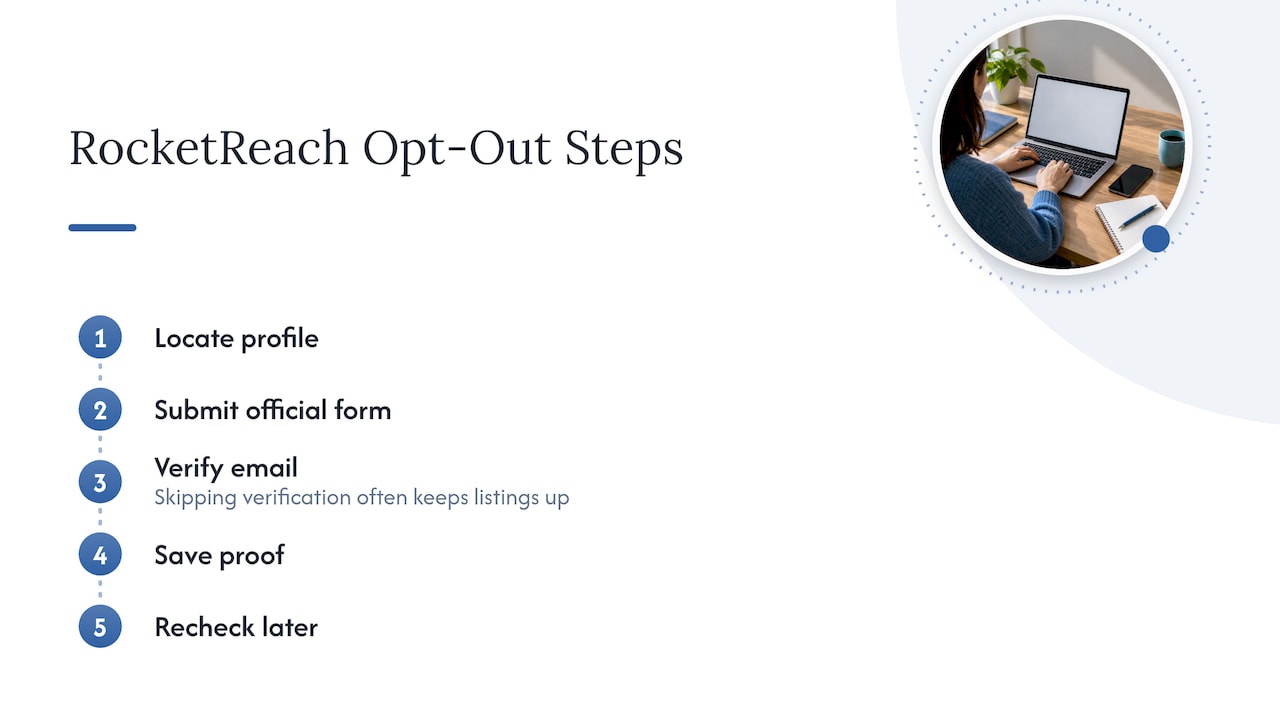
Step 1: Find out which email the profile uses (2 minutes)
The form matches on email address. A practical failure point is submitting an address that doesn’t match the profile. Think about which addresses could be listed:
- Your current work email.
- Old work emails from previous employers.
- A personal address you used on a public professional page.
If you have more than one, plan to submit each one. Keep a short list as you go.
Step 2: Open the official removal form (1 minute)
Go to the removal page described in RocketReach’s help article. Type the address in the form and submit it. Type the web address yourself or follow it from RocketReach’s own help center. Don’t use a link from an email or a random site that claims to “remove you for a fee.”
⚠️ Removal is not a paid service. RocketReach’s official pages present it as a direct privacy request, not a subscription. Its paid plans are for sales prospecting and have nothing to do with taking your data down.
Step 3: Complete the verification email (2 minutes)
If the address matches a profile, RocketReach sends a verification email. Open it and click through. Until you do, nothing happens. Check spam and promotions folders. If nothing arrives within a reasonable time, resubmit and then check whether you used the right address.
RocketReach’s privacy policy also says it may require identity verification before it responds to a request. Expect that and answer it promptly.
Step 4: Save proof (2 minutes)
Take screenshots of the form, the confirmation page and the verification email. Note the date and the address used. California’s data-broker framework treats privacy requests as something you should be able to document, and the same habit protects you anywhere. If you ever need to escalate, you can show exactly what you asked for and when.
Step 5: Recheck later
The official instructions don’t publish a fixed completion time, so don’t expect same-day results. Set a reminder to search for yourself again in a couple of weeks. If your profile is still there, resubmit with the exact address shown and keep the new confirmation.
Delete, don’t sell, don’t target: pick the right control
This is where most guides go wrong. RocketReach’s policy treats these as separate choices. Choose the control that matches the harm you want to stop.
| Your goal | What to use | What it does not do |
|---|---|---|
| Take your profile out of the searchable index | The profile-removal form | Does not clean Google or other sites |
| Stop the “sale” or sharing of your data under US privacy laws | RocketReach’s Do Not Sell or Share My Info tool | Not the same as deleting the profile |
| Stop targeted advertising | Do Not Sell or Share tool, or a Global Privacy Control signal in your browser | Doesn’t delete a profile |
| Fix wrong details | Request an update by email to the privacy team | Not a removal |
The policy says it recognizes Global Privacy Control for targeted-advertising choices. Turning that on in your browser is a good habit, but it is not a replacement for deleting the profile.
If you only want outdated information corrected, RocketReach’s update help page says profiles are refreshed from public sources, with updates typically taking a few weeks, and that manual changes can be requested by emailing the privacy team. If you want to be gone, though, removal is the right route. Updating sources doesn’t delete anything.
If the form doesn’t work: California and other escalation paths
RocketReach LLC appears in California’s Attorney General data-broker registry. The listing names a privacy contact and points to separate routes for sale opt-outs and deletion requests. The record shown there dates from 2020, so treat it as corroboration. Use RocketReach’s live privacy page for current instructions rather than an old bookmark.
If the form fails:
- Resubmit with the exact address in the profile.
- Email the privacy contact listed in the privacy policy, with the date of your first request and your screenshots attached.
- If you live in California, say so and reference your rights under the CCPA. Your request is stronger when it is specific and documented.
- Keep every reply. Don’t send more personal details than are needed to verify who you are.
The rights that apply depend on where you live. RocketReach’s policy describes anonymization, erasure or deletion “where applicable”, and rights to object or restrict processing. Not every state gives the same rights, so don’t assume a refusal means you did something wrong.
What to do about Google results
Removing the source profile doesn’t instantly erase search results. Google can keep showing an old snippet or cached page for a while. RocketReach itself warns about this and points people to Google’s refresh and removal tools.
A reader on a public forum described exactly this: the company confirmed deletion, but the name still turned up in a search. That is normal. Treat it as step two:
- Confirm the RocketReach page itself is gone (open it in a private window).
- Ask Google to refresh or remove the outdated result.
- Search your name plus your employer again after a few weeks.
Our walkthrough on removing personal information from Google Search covers the Google side in detail, and what broker removal does to your search results explains why listings sometimes linger.
What removal won’t fix
RocketReach describes its data as collected from public sources. So deleting one index doesn’t remove the underlying information from your employer’s site, public professional pages or other data brokers. If you’re listed on RocketReach, there is a good chance you’re listed elsewhere too.
The usual next stops:
- People-search sites that list home addresses and relatives. See our guides for FastPeopleSearch, TruePeopleSearch, PeopleFinders and PeopleLooker.
- Your phone number, which RocketReach and other sites may also hold. Try three steps to remove your phone number online.
- A general plan: request personal data deletion walks through the letters and forms.
Our take: why this keeps coming back
We test data removal services with real accounts, and one pattern shows up again and again: people treat privacy as a single switch. It isn’t. Every broker has a deletion route, a sale opt-out and, often, a separate advertising choice. The best results come from matching each control to your actual goal, keeping records and rechecking.
For a single site like RocketReach, doing it yourself is the right call. It’s free, it takes minutes and you control the paperwork. The question changes when you’re on dozens of sites. Then the time cost of repeated rechecks is what a paid service sells, and whether it is worth it depends on how many listings you have and how much your time is worth. We don’t let affiliate payouts influence our rankings, and we say so because you should be able to check that claim against our reviews.
— TechStackTeam
When a data removal service makes sense
If you found RocketReach, you probably have more listings than you know. A removal service can handle repeated submissions and rechecks across many brokers. Not everyone needs one. Our guide Is a data removal service worth it? lays out when it pays off and when a weekend of manual opt-outs is enough. If you want to compare options, see our hands-on reviews of removal services and alternatives, tested with real accounts and updated regularly.
A note on cost: don’t pay to be removed
You may see RocketReach prices quoted in search results. A third-party pricing analysis reports monthly plans of $56, $105 and $210, but that is what sales teams pay for prospecting. It isn’t a removal fee, and since it isn’t RocketReach’s own page, verify any current price with the company. If anyone asks you to pay to take your profile down, walk away.
FAQ
Does it cost money to remove my RocketReach profile?
No. RocketReach’s official pages present removal as a privacy request, not a paid product. You don’t need an account or a subscription. Be cautious of any third party that charges to do the same form for you.
How long does RocketReach take to delete a profile?
RocketReach doesn’t publish a fixed timeline in its removal instructions, so no one can honestly promise a date. Complete the verification email first, since nothing proceeds without it. Then recheck after a couple of weeks and resubmit if the profile is still live.
Why is my profile still showing on Google after removal?
Search engines keep old results for a while after the source page disappears. RocketReach says Google may continue to show an old result and points to Google’s refresh and removal process. Confirm the RocketReach page itself is gone, then request a refresh from Google.
Is a Do Not Sell or Share request the same as deleting my profile?
No. The Do Not Sell or Share My Info tool is for opting out of the sale or sharing of your data under US privacy laws, and the policy treats it as a distinct choice. To remove the profile from the searchable index, use the removal form. Many people do both.
Sources
- How do I Remove My Information from RocketReach? (RocketReach help center)
- How did my Personal Information get on RocketReach? (RocketReach help center)
- I Received a RocketReach Data Collection and Opt-Out Notice (RocketReach help center)
- How do I Update my Information on RocketReach (RocketReach help center)
- RocketReach Privacy Policy
- Data Broker Registration for RocketReach LLC (California Attorney General)
- RocketReach Pricing: Every Tier and What Billing Changes (RevenueFlow)