Go to Fastpeoplesearch right now, enter your name and email, and click the verification link that lands in your inbox within minutes. Removal is free, and FastPeopleSearch says to allow up to 72 hours for the listing to clear. It won’t stay gone forever. Your data can reappear once public records refresh, and if you live in a state with a comprehensive privacy law, you have added rights to push back when it does.
TL;DR:
- Using a personal Gmail or Outlook account increases the likelihood that verification emails will arrive and be processed successfully.
- Public records and data sources refresh constantly, causing removed profiles to reappear unless monitored and repeated opt-outs are performed periodically.
- Properly finding and removing duplicate profiles for common names requires tracking submission details for each, as multiple listings often persist.
- Legal rights under privacy laws allow you to suppress your listing on FastPeopleSearch but do not erase the underlying public records from government or other sources.
- Payment for a third-party removal service may be worthwhile if managing numerous profiles across multiple broker sites becomes too time-consuming.
Table of Contents
- How Do You Opt Out of FastPeopleSearch Step by Step?
- What Are Your Legal Rights When Removing Data From FastPeopleSearch?
- Why Won’t FastPeopleSearch Remove My Data (and How Do You Fix It)?
- Why Does Your FastPeopleSearch Listing Keep Coming Back?
- What Tested Tactics Actually Improve Your Removal Success Rate?
- What Should You Realistically Expect After Opting Out?
- Want a Managed Alternative to Manual Opt-Outs?
- Authoritative Links to Bookmark
- Sources
- FAQ
How Do You Opt Out of FastPeopleSearch Step by Step?
Here’s the exact sequence that works, based on how the official opt-out form and independent testing describe the flow.
- Open the opt-out page. Go directly to fastpeoplesearch.com/optout. You may hit a Cloudflare bot check first. Wait a few seconds and let it clear before clicking anything.
- Enter your name and a personal email address. Use an inbox you check daily, not a work address buried under filters.
- Complete the CAPTCHA and click “Begin removal process.” This triggers a search of the site’s database using the name you entered.
- Find your specific record. FastPeopleSearch often lists several similar profiles. Match the one with your correct age range, city, or relatives before clicking “Remove My Record.”
- Open your email within 24 hours. The verification message expires fast. Click the link the moment it arrives.
- Save your confirmation. Screenshot the confirmation page and keep the email. You’ll want proof if the listing doesn’t drop.
If the link expires or the form throws a mismatch error, don’t try to patch it halfway. Testing from Incogni found that partial resubmissions rarely finish the job. Start over from step one with the exact details on your profile.
Pro Tip: Gmail and Outlook addresses process verification links more reliably than corporate or school email, which often quarantines automated messages in spam or promotions folders before you ever see them.
What Are Your Legal Rights When Removing Data From FastPeopleSearch?
FastPeopleSearch’s Do Not Sell notice spells out rights that echo CCPA-style state privacy laws, including the right to opt out of the sale or sharing of your personal information. That’s a narrower right than deletion. FastPeopleSearch can suppress your listing from its own site, but it has no authority to erase the county court filing, voter roll entry, or property record that originally fed the profile.
A few things worth knowing before you rely on the opt-out alone:
- Opting out stops FastPeopleSearch from selling or sharing your data going forward, but the underlying public record still exists elsewhere.
- Global Privacy Control is a browser signal that automatically tells sites like FastPeopleSearch to honor your opt-out preference without filling out a form each time.
- You can enable GPC through browser extensions or built-in settings, and FastPeopleSearch’s own privacy notice recognizes the signal for its collection technologies.
- Adjusting cookie settings on the site reduces tracking, but it doesn’t replace the record-level opt-out you just completed.
Why Won’t FastPeopleSearch Remove My Data (and How Do You Fix It)?
Most failed removals trace back to one of three problems. Fix these and your success rate jumps fast.
- Verification email never arrives. Check spam and promotions first. Search your inbox for “FastPeopleSearch” specifically, since some filters mislabel the sender. If nothing shows up after an hour, resubmit with a personal Gmail or Outlook address.
- Listing still shows after 72 hours. Confirm you actually received and clicked the confirmation link, not just the opt-out submission. If confirmed but still visible, resubmit the exact record and use Google’s Remove Outdated Content tool to clear cached search results separately.
- Multiple similar profiles exist. Common names generate duplicate listings. You have to remove each one separately, so track submission dates in a simple note or spreadsheet.
- Persistent refusal or harassment. If the site ignores repeated legitimate requests or the listing includes sensitive information tied to harassment, contact FastPeopleSearch through the phone number listed in its privacy notice and consider legal escalation.
Pro Tip: Log every submission with the date and the exact profile URL you removed. When you’re managing several duplicate listings, that log is the difference between confirming success and endlessly resubmitting the same record.
Why Does Your FastPeopleSearch Listing Keep Coming Back?
Public records and commercial data feeds refresh constantly. County clerks, voter registries, and marketing databases resell information to aggregators, and FastPeopleSearch periodically pulls fresh data from those same sources. The site’s own notice confirms that removal doesn’t delete the original records, only your suppression request against the current listing.
A maintenance routine keeps the workload manageable:
- Check your name on FastPeopleSearch every three months.
- Re-submit removal immediately after moving, a divorce, a new mortgage, or any event that generates a fresh public filing.
- Run Google’s cache removal tool after each confirmed FastPeopleSearch takedown to clear lingering search snippets.
- If your name surfaces on other broker sites, treat each one as a separate opt-out request.
What Tested Tactics Actually Improve Your Removal Success Rate?
Small choices make or break this process. Here’s what consistently works based on hands-on testing of the flow.
- Use a personal Gmail or Outlook account for verification. Corporate email filters block automated links far more often.
- If Cloudflare blocks the page, clear cookies, switch to an incognito window, or try a different network before assuming the site is down.
- Log each submission date, the profile URL, and the outcome so you’re not guessing later which records you already handled.
- Save screenshots of every confirmation page and email. If you ever need to escalate a refusal, that paper trail matters.
- If you’re tracking five or more listings across different broker sites, weigh whether an automated removal service saves more time than it costs.
Pro Tip: Run the removal request in a private browser window from the start. It avoids cached login states and cookie conflicts that sometimes cause the CAPTCHA to loop.
What Should You Realistically Expect After Opting Out?
Removal works for the listing you submit. It just doesn’t stay fixed without upkeep, since brokers keep refreshing from the same public sources. Paid removal or legal counsel makes sense when you’re facing harassment, doxxing, or a listing that keeps reappearing despite repeated confirmed takedowns. For anyone juggling more than one broker site, our guide to cleaning up your digital footprint walks through the wider process.
— TechStackTeam
Want a Managed Alternative to Manual Opt-Outs?
Manually resubmitting removal requests every few months works, but it eats time you probably don’t have if your name sits on a dozen broker sites instead of one. Some review sites test these services with real accounts, aiming to keep rankings based on actual performance rather than marketing claims.

If you’re deciding whether it’s worth paying someone else to handle this churn, our breakdown of whether a data removal service is worth it walks through the real cost versus the hours you’d spend doing it yourself. And if FastPeopleSearch is just one of several sites showing your address and phone number, the full internet removal guide covers the rest of the cleanup in one place. Start with whichever guide matches your situation. If your footprint spans multiple brokers, the removal service comparison is the faster read.
Authoritative Links to Bookmark
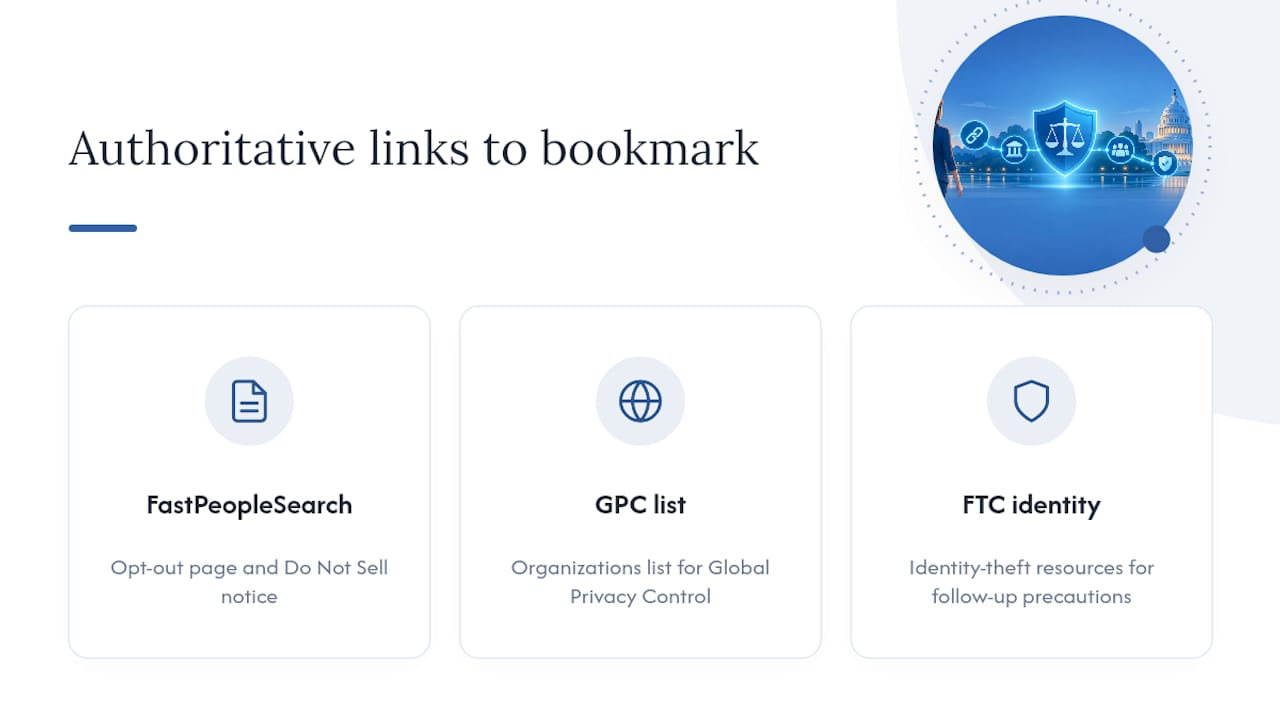
Keep these on hand: the FastPeopleSearch opt-out page and Do Not Sell notice, the Global Privacy Control organizations list, and the FTC’s identity-theft resources for follow-up precautions.
Sources
- Opt-Out Request Start – FastPeopleSearch
- How to Remove Yourself from Fast People Search | Incogni
- Federal Trade Commission identity-theft program report
FAQ
Why Is FastPeopleSearch Blocked on Some Networks?
Some workplaces, schools, and even home routers block people-search sites through content filters, since they’re frequently flagged as data-broker or “sensitive information” domains. If the opt-out page won’t load, switch to a personal device on a different network rather than assuming the site itself is down.
Why Am I Showing Up on FastPeopleSearch?
FastPeopleSearch aggregates data from public records, voter files, property records, and commercial data brokers, then compiles it into a searchable profile. You don’t need to have signed up for anything. Public records alone are usually enough to generate a listing.
Why Won’t FastPeopleSearch Remove My Data?
The most common cause is a missed or expired verification email, which testing identifies as the top failure point in the entire process. Check spam, use a personal Gmail or Outlook address, and restart the request from scratch if the link expired rather than trying to resume partway through.
How Do I Opt Out of a U.S. People Search Site Like FastPeopleSearch?
Visit the site’s official opt-out page, submit your name and email, complete the CAPTCHA, and click the verification link sent to your inbox. For FastPeopleSearch specifically, that means fastpeoplesearch.com/optout, with removal typically processed within 72 hours of confirmation.