The fastest way to pull your listing off ZabaSearch is to submit a suppression request through the PeopleConnect Suppression Center or ZabaSearch’s own opt-out link, then verify your email right away. Do that first. Expect a short processing window after verification. Suppression hides your record across the PeopleConnect family of sites, but it will not erase the public records your listing was built from.
TL;DR:
- Suppressing your listing through the PeopleConnect Suppression Center generally takes a few days to fully propagate across all affiliated sites, despite instant email verification.
- The suppression only hides your record on PeopleConnect-owned sites and does not remove underlying public records, which remain accessible in government databases.
- Repeated manual opt-outs are necessary because suppression does not prevent new listings from scraping or re-publishing your data on other sites or brokers.
- Validating successful suppression requires rechecking on ZabaSearch and related sites after about a week and saving confirmation proof for future use.
- If your listing reappears or the process stalls, contacting support, using state-specific privacy rights, or filing a complaint with the FTC may be necessary to resolve persistent issues.
Table of Contents
- How to opt out of ZabaSearch step by step
- When will ZabaSearch suppression actually take effect?
- What suppression removes and what it can’t touch
- Handling other data brokers and keeping listings down
- What to do if your listing won’t stay removed
- What hands-on testing shows about realistic outcomes
- How TechStackToday helps you go further
- Primary sources used in this guide
- Sources
- FAQ
How to opt out of ZabaSearch step by step
Start at the PeopleConnect Suppression Center instead of chasing ZabaSearch alone. ZabaSearch runs on PeopleConnect’s data network, so one suppression request there also covers listings tied to Intelius and related brands. The ZabaSearch FAQ confirms this: it directs users to submit an opt-out request through an online form and to include an email address so the request can be confirmed.
Here’s what to do, in order:
- Go to the PeopleConnect Suppression Center and search your name.
- Enter your first and last name, along with any middle name or maiden name you’ve used.
- Add your date of birth and last known city or state to narrow the match.
- Review the list of records that come back and select the one that matches you.
- Enter an email address you check regularly, since this is where your confirmation link lands.
- Click the verification link the moment it arrives.
- Submit the suppression request and save the confirmation screen or email.
If multiple records show up with your name, look for the one with your correct age range and city history before selecting it. Picking the wrong record can suppress someone else’s listing instead of yours, or leave yours untouched.
Before you start, gather a few things: every name variation you’ve gone by, your birth date, your last two or three known cities, and a way to save your confirmation (a screenshot works fine). If the verification email doesn’t show up within a few minutes, check your spam folder before resubmitting. Resubmitting too quickly can sometimes create a duplicate request and slow things down.
Pro Tip: Using one dedicated email address for every data broker opt-out you file can make it easier to track confirmations and prove you completed the process later.
When will ZabaSearch suppression actually take effect?
Email verification happens instantly once you click the link. The suppression itself is a different story. It has to propagate across every site in the PeopleConnect network, and that can take a few days rather than minutes.
To check whether it worked:
- Search your name again on ZabaSearch directly.
- Check other PeopleConnect-owned sites, since one suppression request should cover the family.
- Search your name on Google a few days later, since cached pages can lag behind the actual removal.
If your listing is still showing up after about a week, don’t assume the request failed. Recheck your confirmation email first to confirm you completed verification, then resubmit if needed. The PeopleConnect Suppression Center notes that keeping your suppression confirmation and using a consistent email reduces the odds of your listing quietly reappearing later.
What suppression removes and what it can’t touch
Suppression hides your background report across PeopleConnect-owned sites, including the Intelius and TruthFinder family. It does not delete the underlying public record your listing was pulled from in the first place.
That distinction matters more than it sounds:
- Court records, property records, and other government-held data stay public no matter what you suppress on a broker site.
- Sex offender registry entries and similar government records remain visible regardless of any suppression request.
- PeopleConnect’s suppression tool is discretionary under its own privacy policy, meaning it can be limited, adjusted, or in some cases reversed.
- Suppression is not a one-time fix. It requires periodic rechecking as new data gets pulled in.
The FTC’s guidance on people-search sites backs this up directly: opting out stops a site from selling your existing information, but it does not remove the public records behind it, and your information can still surface through government sites or in reports tied to your relatives. Treat suppression as ongoing maintenance, not a finish line, and learn more about how to boost visibility & reputation through your digital footprint.
Handling other data brokers and keeping listings down
ZabaSearch is one broker among many that pull from the same public record pipelines. Suppressing one listing doesn’t stop another site from scraping the same source data and republishing it under a different name. That’s why a single opt-out rarely feels permanent.
A workable maintenance routine looks like this:
- Search your name every few months on Google and note any new broker listings that appear.
- For each new site, find its dedicated opt-out page and complete its verification steps the same way you did for PeopleConnect.
- Save every confirmation email or screenshot in one folder so you have proof if a listing reappears.
- Set a recurring reminder, quarterly works well, to recheck your name across the sites you’ve already suppressed.
If your name is exposed on several major brokers, TruePeopleSearch is a common one worth checking next. Manual opt-outs work, but they take time across a dozen or more sites, which is where a paid removal service can make sense for people who want ongoing rescans handled for them.
Pro Tip: Before paying for any removal service, check what it actually covers and how often it rescans. Coverage and rescan frequency matter more than the price tag.
What to do if your listing won’t stay removed
If your ZabaSearch listing reappears or your suppression request seems to have stalled, work through these steps in order:
- Confirm you used the same email address that received your original suppression confirmation, then resubmit through the Suppression Center if it’s been more than a week.
- Contact PeopleConnect support directly and include your suppression confirmation, the exact URL of the listing, and a screenshot showing the record still live.
- If you live in a state with specific privacy protections, such as California or Nevada, use those rights as a separate channel. PeopleConnect’s privacy policy lists a dedicated privacy contact and outlines state-specific requests like Nevada’s Do Not Sell option.
- If support goes unanswered or your data keeps getting resold despite a valid opt-out, file a complaint with the FTC and attach your documentation.
Keep every email and screenshot along the way. It’s the difference between a quick fix and a frustrating back and forth with no proof to point to.
What hands-on testing shows about realistic outcomes
Suppression through PeopleConnect reliably hides listings across its branded sites when you follow every verification step correctly. Reappearance usually traces back to one of two things: someone deletes their own suppression record, or the underlying public data gets refreshed and repulled.
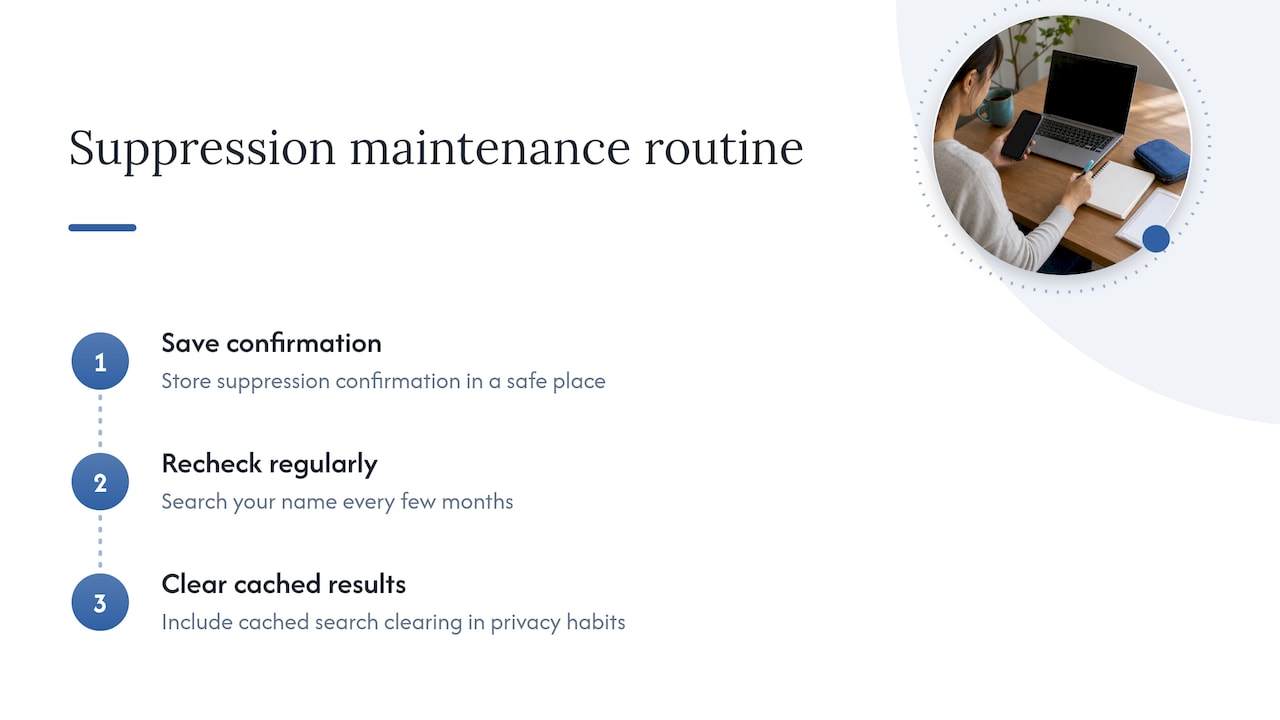
The practical move is to keep your suppression confirmation somewhere safe, recheck your name every few months, and pair broker opt-outs with broader privacy habits like clearing cached search results.
How TechStackToday helps you go further
Suppressing one listing is a good start, but most people’s information sits on more than one broker site at once. Our action plan for requesting personal data deletion walks through the broader process of getting your information pulled from multiple sources, not just one.

If you’re weighing whether to keep doing this manually or hand it off to a paid service, our breakdown of whether a data removal service is worth it covers what coverage, rescan frequency, and reporting actually look like across the services we’ve tested hands-on. We rank providers on real-world performance, not on which one pays the highest commission. Read through both guides before you decide which route fits your situation, then pick the one that matches how much time you want to spend on this yourself.
Primary sources used in this guide
- PeopleConnect Suppression Center, for submitting and managing suppression requests.
- ZabaSearch FAQ, for the official opt-out instructions.
- PeopleConnect Privacy Policy, for suppression terms and state privacy contacts.
- FTC guidance on people-search sites, for consumer protection context.
Sources
- What to know about people search sites that sell your information | Consumer Advice (FTC)
- PeopleConnect – Suppression Center
- PeopleConnect – Privacy Policy
FAQ
How do I opt out of ZabaSearch?
Submit a suppression request through the PeopleConnect Suppression Center or ZabaSearch’s opt-out form, then verify your email to confirm the request. Since ZabaSearch draws on PeopleConnect’s data, the suppression tool covers related branded sites in one step.
What is better than ZabaSearch?
ZabaSearch is a people-search site, not a removal service, so there is no direct swap for it. If your goal is broader control over your online exposure, tools built specifically for personal data deletion or ongoing removal monitoring address more ground than a single opt-out.
Is ZabaSearch legit?
ZabaSearch is a real people-search site operating under the PeopleConnect network, and its FAQ page outlines a legitimate opt-out process with email confirmation. Like other people-search sites, it pulls from public records, which the FTC notes stay available even after you opt out.
Do you have to pay for ZabaSearch?
Submitting an opt-out or suppression request through PeopleConnect’s Suppression Center is free. Viewing certain detailed background reports on associated sites may require payment, but removing your own listing does not.