An effective internet privacy tools comparison checklist is a structured evaluation framework that helps you select password managers, VPNs, privacy browsers, and data removal services based on security features, usability, and your personal threat model. Tools like 1Password, Tor Browser, and Incogni each solve different problems, and picking the wrong one wastes time and leaves real gaps in your protection. This guide walks you through every major tool category with specific criteria so you can compare options side by side and build a privacy setup that actually holds up.
1. What your internet privacy tools comparison checklist must cover
Every solid online privacy assessment starts with three universal criteria: security architecture, usability, and independent verification. These apply whether you are comparing password managers, VPNs, or data removal services.
Security features to check:
- End-to-end encryption with a master password only you control
- A verified no-log policy (confirmed by audit, not just claimed)
- Coverage scope: does the tool protect one browser, one app, or your entire device?
- Multi-device support without forcing you into one vendor’s ecosystem
Usability factors that determine long-term adoption:
- Cross-platform compatibility across Windows, macOS, iOS, and Android
- Minimal impact on browsing speed or daily workflow
- Autofill support, one-click activation, or automated removal requests
Trust signals that separate real tools from marketing:
- Independent third-party audits by firms like Deloitte or Cure53
- Transparent privacy policies with no data-selling clauses
- Active update history showing the team responds to new threats
Your checklist priorities also depend on your threat model. Surveillance Self-Defense from the EFF recommends building tool selection around specific surveillance scenarios rather than installing every tool you find. Corporate surveillance calls for different tools than protection against government-level tracking.
Pro Tip: Before you build your checklist, write down your top three privacy concerns. Are you worried about data brokers selling your address? Phishing attacks? Public Wi-Fi snooping? Your answers determine which tool categories belong at the top of your list.
2. How to compare password managers using a checklist
Start your privacy setup here. Centralizing credentials in a password manager reduces phishing exposure and enables safer adoption of every other privacy tool you add later. The EFF identifies four non-negotiable criteria for any password manager worth using.

1. End-to-end encryption with zero-knowledge architecture. Your master password must never leave your device in readable form. If the provider can read your vault, your credentials are only as safe as their security team.
2. Autofill support that blocks phishing. Password managers reduce phishing exposure by autofilling only on the exact domain where you created the login. A fake bank site gets nothing, even if it looks identical to the real one.
3. Independent security audits as trust signals. Look for audits by recognized firms. Bitwarden publishes annual third-party audits. 1Password has completed multiple Cure53 audits. Google Password Manager benefits from Google’s internal security infrastructure, though it ties you to the Google ecosystem.
4. Random unique password generation. Every account needs a different password. A manager that generates 20-character random strings for each site eliminates credential-stuffing attacks entirely.
5. Cross-platform and cross-device compatibility. Built-in managers like Apple Keychain and Google Password Manager are convenient but create vendor lock-in risk. Third-party options like Bitwarden and 1Password work across all platforms and browsers, giving you full portability.
The EFF advises against comparing password managers by brand alone. Prioritize core security features and third-party audits over name recognition or interface design. A polished app with no audit history is a liability.
Check Techstacktoday’s best password managers guide for hands-on test results across all five criteria above.
3. VPN comparison checklist essentials
A VPN comparison checklist must start with one question: what does this VPN actually protect? The answer varies more than most people realize.
Scope of protection is the first checkbox:
- Browser-only VPNs (like Firefox’s built-in option) mask your IP address within the browser only
- Full-device VPNs route all traffic from every app through an encrypted tunnel
- The Firefox built-in VPN does not sell browsing data or inject ads, which separates it from most free VPN services, but it does not replace a standalone VPN protecting all device traffic
Additional VPN checklist criteria:
- No-log policy confirmed by independent audit
- No data-selling clause in the privacy policy
- Bandwidth and data limits (free tiers often cap usage)
- Kill switch feature that cuts internet access if the VPN drops
- Jurisdiction: where the provider is legally based affects what data they must hand over
- Ease of activation: one-click connect vs. manual configuration
Pro Tip: Use a browser-based VPN for quick IP masking on public Wi-Fi when you only need to protect browser sessions. Use a full-device VPN when you need to protect email apps, messaging clients, and background services running outside the browser. Understanding browser vs. device protection before you buy prevents a false sense of security.
Techstacktoday’s VPN reviews and deals page ranks providers by no-log verification, speed, and pricing so you can match options to your checklist fast.
4. Comparing privacy-enhanced browsers and anti-fingerprinting setups
Browser choice affects every other privacy tool you use. A VPN protects your IP address, but your browser can still leak your identity through fingerprinting. Browser fingerprinting combines your screen resolution, installed fonts, time zone, and dozens of other signals into a unique identifier that follows you across sites without cookies.
| Browser feature | What it does | Usability trade-off |
|---|---|---|
| Built-in tracker blocking | Blocks third-party trackers by default | Minimal: some sites may load slower |
| Fingerprint resistance | Randomizes or normalizes browser signals | Low: mostly invisible to the user |
| State separation | Isolates cookies and storage per site | Low: prevents cross-site tracking silently |
| Security Slider (Tor Browser) | Disables JavaScript and web features at higher levels | High: many sites break at “Safest” setting |
| New Identity function | Clears all session data and restarts Tor circuit | Medium: logs you out of all active sessions |
| Disk avoidance | Prevents writing browsing data to disk | None: fully automatic |
Tor Browser’s Security Slider offers three levels: Standard, Safer, and Safest. Higher settings disable JavaScript and some media features, which breaks many modern websites but significantly increases anonymity. Experienced users treat the slider like an environment-specific policy, testing site compatibility at the Safest level and creating per-site exceptions only when necessary.
For most users, a privacy-focused browser like Firefox with uBlock Origin and a fingerprint-resistance extension covers 90% of tracking threats without breaking sites. Tor Browser is the right choice when anonymity is the primary goal and you can tolerate occasional site breakage. Check what your current browser reveals about you with a fingerprint check tool before deciding how much protection you actually need.
5. Data broker removal and digital footprint management checklist
Data brokers collect your name, address, phone number, relatives, and employment history, then sell it to anyone willing to pay. A data removal service automates the opt-out process across hundreds of these brokers simultaneously. Here is what your checklist must cover when comparing these services.
Coverage breadth. Incogni covers over 420 data brokers with continuous monitoring. That number matters because brokers re-add your data after removal, so a one-time opt-out is not enough.
Continuous monitoring vs. one-time removal. One-time removal services clear your data today but leave you exposed in six months. Look for services that re-submit removal requests automatically on a recurring schedule.
Independent assurance. Incogni’s service claims are verified by Deloitte, which is a meaningful trust signal in a category full of unverifiable promises. Ask any service you evaluate: who has audited your removal process?
Custom removal request limits. Some services cap the number of brokers they contact per month. Read the fine print before subscribing.
Techstacktoday’s guide on removing yourself from the internet covers automation features and broker coverage in detail, with hands-on test results for the top services.
Key takeaways
A privacy tool checklist works only when it matches your specific threat model, starting with a password manager and expanding outward based on verified security criteria.
| Point | Details |
|---|---|
| Start with a password manager | Centralizing credentials reduces phishing risk and enables safer adoption of all other tools. |
| Verify VPN scope before buying | Browser-only VPNs protect browser traffic only; full-device VPNs cover every app and service. |
| Demand independent audits | Third-party audits by firms like Deloitte or Cure53 are the only reliable trust signals. |
| Match tools to your threat model | EFF’s Surveillance Self-Defense framework recommends selecting tools by specific privacy scenario. |
| Automate data broker removal | Services covering 420+ brokers with continuous monitoring prevent data from reappearing. |
Why most privacy checklists fail before you even start
Here at TechStackTeam, we have reviewed over 50 privacy services, and the pattern we see most often is tool overload. Someone reads three articles, downloads a VPN, installs two browser extensions, signs up for a data removal service, and then abandons all of it within a month because the setup feels like a second job.
The checklist approach only works when you treat it as a triage tool, not a shopping list. Start with a password manager. That single step eliminates the most common attack vector most people face: credential reuse and phishing. Everything else builds on that foundation.
We also see people skip the audit question entirely. A VPN with no verified no-log policy is not a privacy tool. It is a promise. The difference between a tool that protects you and one that just feels like it does comes down to whether an independent firm has actually tested the claim.
One more thing: update your checklist every six months. Privacy threats evolve, tools get acquired, and audit results expire. The checklist you built in 2024 may have gaps today. Treat it as a living document, not a one-time task.
— TechStackTeam
Build your privacy toolkit with Techstacktoday
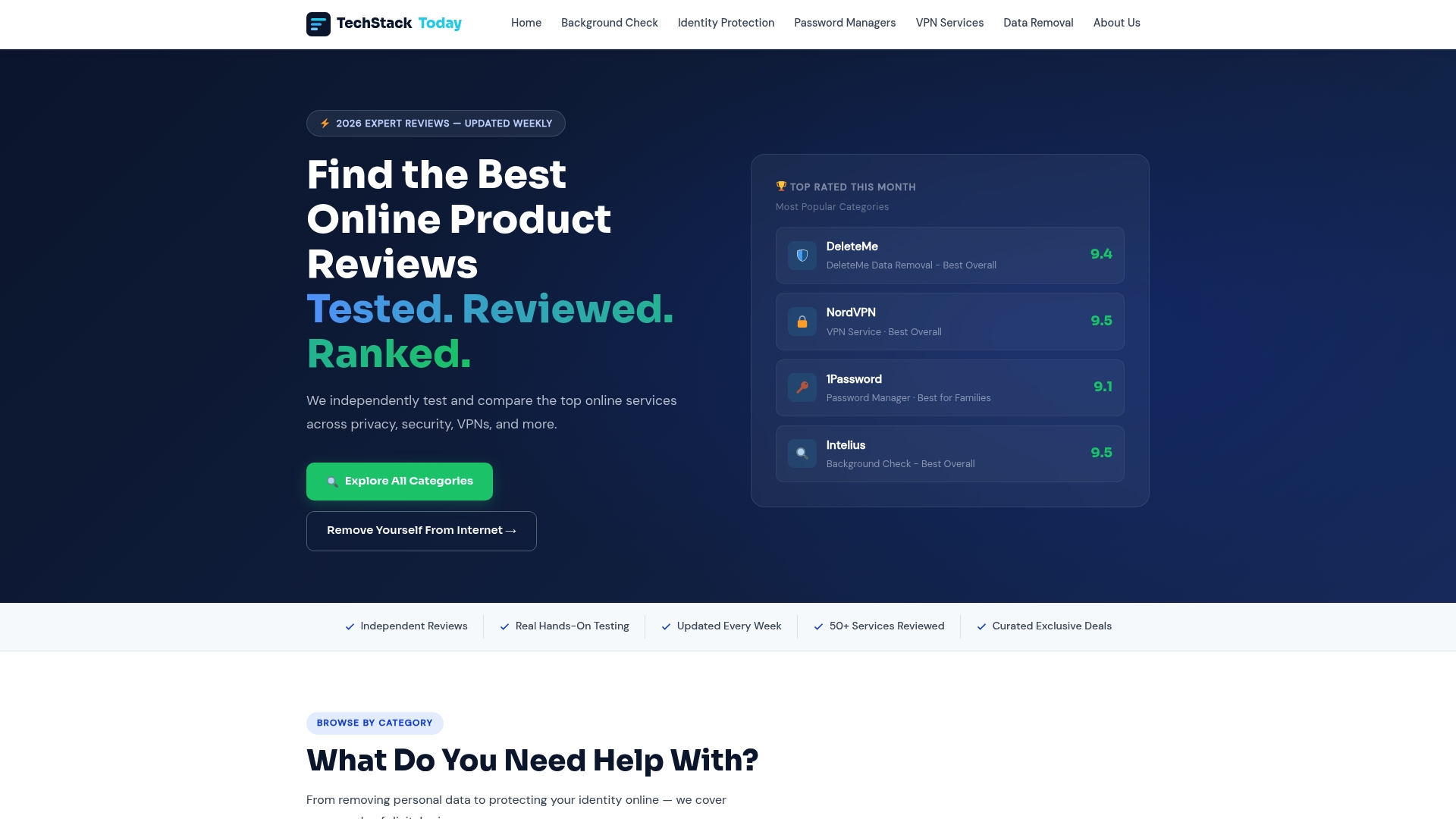
Techstacktoday has hands-on tested and ranked over 50 privacy services without paid rankings or sponsored placements. Every score reflects real-world performance. If you are ready to move from checklist to action, start with the two resources that matter most. The VPN reviews and deals page breaks down no-log verification, device coverage, and pricing across the top providers. The best password managers guide ranks tools by encryption standard, audit history, and cross-platform support. Use both alongside your checklist to make a confident, informed decision.
FAQ
What is an internet privacy tools comparison checklist?
An internet privacy tools comparison checklist is a structured list of security, usability, and verification criteria used to evaluate and compare tools like VPNs, password managers, and data removal services side by side. It helps you select tools that match your specific privacy threats rather than buying based on brand recognition alone.
Which privacy tool should I set up first?
Set up a password manager first. The EFF confirms that centralizing credentials and enabling autofill reduces phishing exposure immediately and creates a safer foundation for every other privacy tool you add.
Does a free VPN actually protect my privacy?
It depends on the VPN’s data policy and scope. Firefox’s built-in VPN does not sell browsing data or inject ads, but it only protects browser traffic, not your entire device. A paid standalone VPN with a verified no-log policy provides broader, more reliable protection.
How do I know if a privacy tool has been independently audited?
Check the provider’s website for published audit reports from recognized firms like Cure53, Deloitte, or NCC Group. Bitwarden and 1Password both publish their audit results publicly. If a provider cannot name their auditor, treat that as a red flag.
How often should I update my privacy tools checklist?
Review your checklist every six months. Tools get acquired, audit results expire, and new threats emerge. The EFF’s Surveillance Self-Defense guides are updated regularly and serve as a reliable reference point for keeping your checklist current.