A shared family password vault is a permissioned digital system that stores, organizes, and distributes credentials securely among household members. Tools like 1Password and Bitwarden offer dedicated family plans that go far beyond a shared spreadsheet. The benefits of shared family password vaults are real and immediate: stronger security, less friction, and clear control over who sees what. The average person manages over 100 online accounts, and when 65% of users reuse passwords across those accounts, one breach can expose your entire household. A shared vault fixes that problem at the root.
1. How shared family vaults enhance digital security
Shared family vaults eliminate the single biggest risk in household password management: insecure sharing habits. Texting a Netflix password or writing your Wi-Fi key on a sticky note creates exposure you cannot track or revoke. A vault replaces all of that with encrypted, auditable sharing that logs who accessed what and when.
Here is what a vault does for your family’s security posture:
- Stops password reuse. The vault generates unique, complex passwords for every account, so a breach at one site does not cascade across others.
- Replaces unsafe channels. No more passwords sent over text, email, or written on paper. Every credential lives in one encrypted location.
- Monitors for breaches. Most family plans include dark web monitoring that alerts you the moment a stored credential appears in a known data leak.
- Controls emergency access. If a parent is incapacitated, trusted contacts can request vault access. The 24 to 72 hour waiting period built into emergency access features prevents unauthorized use while still allowing recovery.
Pro Tip: Enable breach alerts on every account in your vault immediately after setup. Most managers check your stored emails against known breach databases and flag compromised credentials within hours.
2. Convenience and usability advantages for families

The practical case for a shared vault is just as strong as the security case. Families juggle streaming services, school portals, utility accounts, and banking apps across phones, tablets, laptops, and smart TVs. A vault handles all of it from one place.
Here is how the usability benefits stack up:
- Auto-save and autofill. When a family member logs into a new service, the vault saves the credential automatically. On the next visit, it fills in the username and password without any manual input.
- Cross-device synchronization. Changes made on one device appear instantly on every other device in the family plan. No more outdated passwords on the kids’ tablets.
- Separate shared and private vaults. Parents keep banking credentials in a personal vault. Streaming and utility logins live in the shared family vault. Everyone sees what they need and nothing more.
- Folder-based organization. Group credentials by category: entertainment, school, home services. Finding the right password takes seconds instead of minutes.
- Fast setup. Setting up a family vault takes approximately 30 minutes, including importing existing passwords and inviting family members.
That 30-minute investment pays off every single day. Families stop resetting forgotten passwords, stop arguing over who changed the Hulu login, and stop sending credentials through insecure channels.
3. Access control and privacy for every family member
A shared vault is not a free-for-all. Shared family vaults are structured systems that let parents manage permissions while preserving each child’s personal vault autonomy. That balance is what makes the model work long term.
Here is how to structure access control effectively:
- Parents hold admin roles. The primary account holder controls which credentials appear in the shared vault and who can view or edit them. Children see only what parents approve.
- Children get private vaults. Older kids and teenagers benefit from their own private vault space for school accounts and personal logins. This builds good habits without exposing their data to siblings.
- Sensitive credentials stay separate. Segregating banking and financial credentials into individual vaults prevents accidental exposure. Never put your primary bank login in the shared family vault.
- Regular audits keep things clean. Quarterly reviews remove unused credentials, update permissions as children mature, and catch any credentials that should not be shared.
- Emergency recovery is planned in advance. Designate a trusted adult outside the household as an emergency contact. This prevents a single point of failure if the primary admin loses access.
The access control layer is what separates a vault from a shared document. You decide the boundaries. You enforce them. And you can adjust them as your family’s needs change.
4. Choosing the right vault model for your household
Not all family vault setups work the same way. Two primary models exist, and choosing the wrong one creates friction or security gaps.
| Model | How it works | Best for |
|---|---|---|
| Shared vault only | One vault holds all family credentials | Small households with low privacy needs |
| Individual vaults with shared folders | Each member has a private vault; shared items live in a designated folder | Families with teenagers or mixed privacy needs |
| Platform-native sharing (Apple Keychain, Google Password Manager) | Built into the device ecosystem; limited cross-platform support | Single-platform households only |
The individual vaults with shared folders model wins for most families. It gives parents full control over shared credentials while letting each member maintain private logins. Tools like 1Password and Bitwarden both support this structure natively.
Two features to verify before you commit to any vendor:
First, check passkey and two-factor code support. Not all password managers synchronize passkeys and two-factor authentication codes across all family members’ devices. If your household uses a mix of Android, iOS, and Windows, this gap creates real problems.
Second, confirm emergency access is available on the family plan tier you are buying. Some vendors reserve this feature for premium tiers only.
Pro Tip: Before migrating your full credential library, run a 30-day pilot with just your shared streaming and utility accounts. This lets every family member get comfortable with the vault before you add sensitive credentials.
For a detailed breakdown of which tools passed our hands-on testing, see Techstacktoday’s best password managers guide, updated for 2026.
5. Building good password habits across generations
A vault is only as strong as the habits built around it. The real advantage of shared family password management is that it teaches every household member, from young children to grandparents, how to handle credentials responsibly.
Start with low-risk shared accounts: streaming services, family photo apps, and home Wi-Fi. These are accounts where a mistake carries minimal consequence. Once every family member is comfortable with the vault interface, migrate higher-stakes credentials. This gradual approach reduces resistance and builds confidence.
Children who grow up using a vault understand from an early age that passwords are not something you share over text or reuse across sites. That habit is worth more than any single security feature. Pair the vault with a conversation about why each practice matters, and you create a household that is genuinely harder to compromise.
For families concerned about broader digital exposure, pairing your vault with a VPN service adds a second layer of protection, particularly on public Wi-Fi networks where credential interception is a real risk.
6. Recovery planning: the step most families skip
Clear recovery plans and admin roles matter more than advanced features when it comes to long-term vault success. Most families set up a vault and never think about what happens if the primary admin forgets their master password or loses their device.
Recovery planning has three components. First, store your master password and recovery key in a physically secure location, such as a home safe or a sealed envelope with a trusted family member. Second, designate at least one other adult in the household as a co-admin with the ability to manage the vault independently. Third, test your emergency access process once a year. Knowing it works before you need it is the point.
A vault without a recovery plan is a single point of failure. Distribute responsibility, and the system becomes resilient.
Key takeaways
Shared family password vaults deliver the most value when they combine encrypted storage, clear permission structures, and a tested recovery plan from day one.
| Point | Details |
|---|---|
| Security improvement | Vaults replace insecure sharing habits with encrypted, auditable credential management. |
| Convenience at scale | Auto-fill, sync, and folder organization cut the time families spend managing logins. |
| Access control | Admin roles and separate private vaults protect sensitive credentials from accidental exposure. |
| Vendor selection | Verify passkey and 2FA sync support before committing to any family plan. |
| Recovery planning | Designate a co-admin and store your master password securely before you need it. |
Our take on shared family vaults
I have tested more than 50 password managers at Techstacktoday, and the pattern I see most often is families who set up a vault correctly but skip the recovery step entirely. They get the security benefits immediately. Then, six months later, someone loses a device or forgets a master password, and the whole system locks them out.
The feature set matters less than most people think. A vault with solid emergency access and two adults who know how to use it beats a feature-rich tool that only one person understands. Start simple. Share only what needs to be shared. Keep banking and financial credentials in individual vaults, not the family shared space. And review your vault contents every quarter, because credentials accumulate fast and outdated logins create unnecessary risk.
The families who get the most out of shared vaults are not the most tech-savvy ones. They are the ones who treat the vault like a household system, with clear roles, regular maintenance, and a plan for when things go wrong. That is the standard worth aiming for.
— TechStackTeam
Find the right vault for your family
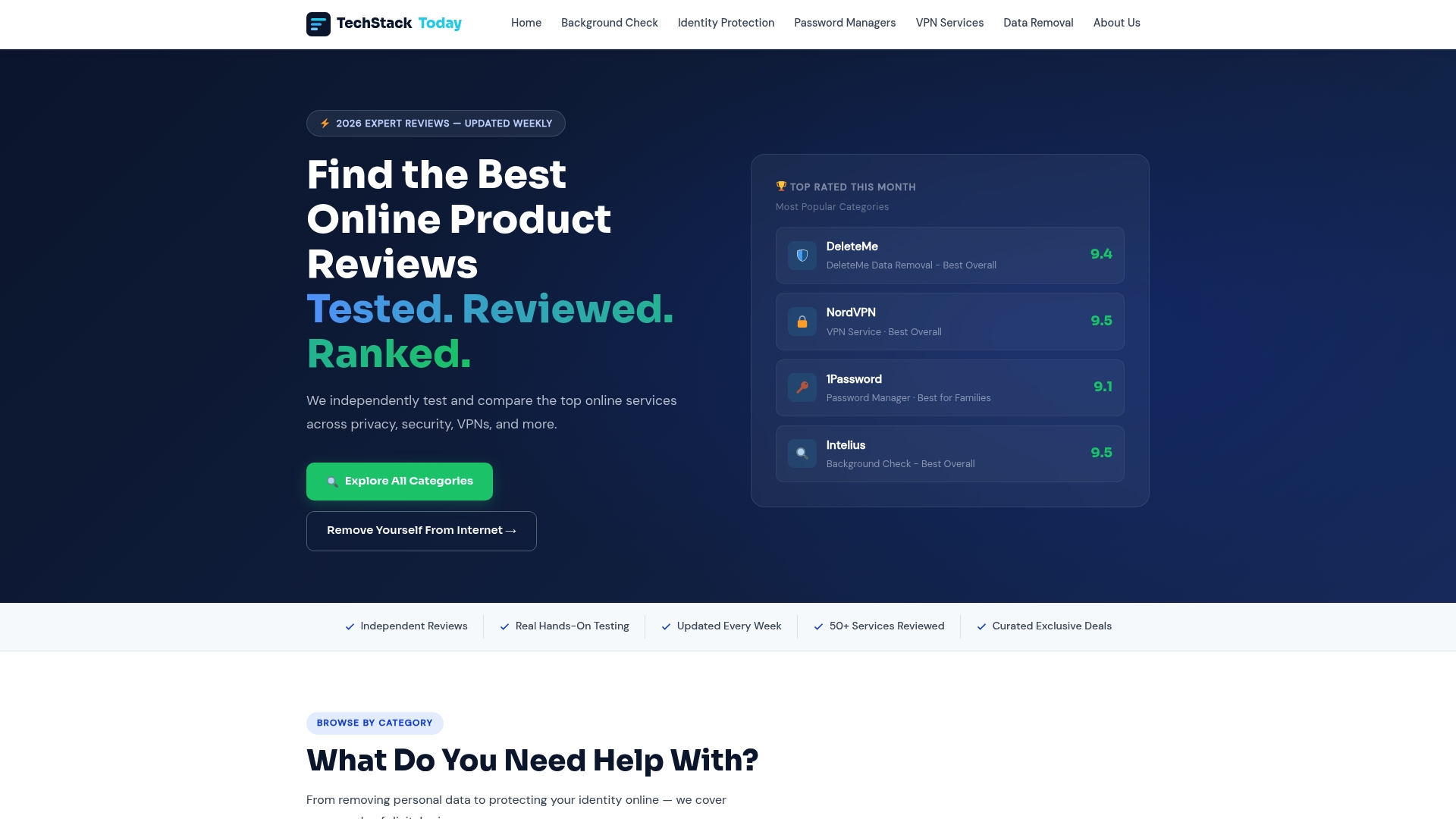
Techstacktoday has hands-on tested and ranked the leading password managers available in 2026, with specific attention to family plan features, sharing controls, and emergency access reliability. Our rankings are based entirely on performance, not paid placements. Visit our family vault reviews to compare 1Password, Bitwarden, and other top options side by side. If you want to go further, our VPN reviews cover the services that pair best with a password vault for complete household privacy. You can also read our step-by-step safe password sharing guide to get your family set up correctly from the start.
FAQ
What is a shared family password vault?
A shared family password vault is a permissioned digital tool that stores and distributes credentials among household members using encrypted storage. Tools like 1Password and Bitwarden offer family plans that separate shared credentials from each member’s private logins.
How do shared vaults improve family password security?
Shared vaults replace insecure habits like texting passwords with encrypted sharing, breach monitoring, and auditable access logs. Because 65% of users reuse passwords, a vault that generates unique credentials for every account significantly reduces household exposure.
Can children have their own private space inside a family vault?
Yes. Most family plans give children their own private vault alongside the shared family folder, so parents control shared credentials while kids maintain autonomy over their personal accounts.
How long does it take to set up a family password vault?
Setting up a family vault takes approximately 30 minutes, including importing existing passwords and inviting family members to the plan.
What happens if the primary admin loses access to the vault?
Most family plans include emergency access features with a 24 to 72 hour waiting period, allowing a designated trusted contact to request and gain access. Designating a co-admin and storing your recovery key securely prevents a complete lockout.